Guides & Troubleshooting
Clear step-by-step fixes for the problems users run into most often.
HEVC / H.265: Software mode error
You may see HEVC/H265 Decoding is not supported in S/W MODE when hardware acceleration is off or your GPU lacks HEVC decode.
- Open Preferences (F5) and go to Filter Control → Video Decoder.
- Choose Built-in DXVA or CUDA/QuickSync if supported.
- Set H.265/HEVC to Hardware (DXVA) or Hardware (CUDA).
- Apply, restart playback, and update your graphics driver if needed.
See also: Hardware acceleration features
Blu-ray folders and menus not working
Some users report Blu-ray folder structures do not play or menus fail. PotPlayer supports Blu-ray and DVD when decoders and legal access are available.
- Use Open Folder and select the BDMV directory.
- Ensure you have legal access to the disc content.
- Install decoders via OpenCodec if needed.
- Disable conflicting third-party codec packs.
- Use 64-bit PotPlayer on 64-bit Windows.
Subtitle sync and display
Place .srt or .ass files in the same folder with matching filenames for automatic loading, or fine-tune timing and style in preferences.
- Right-click during playback and choose Subtitle.
- Use Sync subtitle to adjust timing.
- Customize font, size, and position in preferences.
Best practices for performance
- Thumbnail previews: Enable in preferences for faster seeking.
- Hardware decode: Lowers CPU load on 4K HEVC and high-bitrate MKV.
- Export settings: Save your tuned .reg after configuring filters.
- NVIDIA RTX HDR: Enable on supported RTX cards for SDR upscaling.
- Dual sound cards: Select the correct output device when two exist.
Notification tray instead of taskbar
PotPlayer may minimize to the notification tray. Click the PotPlayer icon in the tray to reopen. Adjust close behavior in Preferences under General.
Antivirus warnings explained
Verified builds report clean results (99/100 on major catalogs). Never install repacked or cracked bundles. Verify SHA256 hashes before running any installer.
- Confirm hash match with published SHA256.
- Upload the file to your vendor for analysis.
- Add an exclusion only after verification.
- Re-download from your trusted source if hash fails.
Unsupported or corrupt files
Recent updates fixed playback for WAV, MPEG4, WMV, and specific codecs. Update PotPlayer, try OpenCodec, and confirm the file is complete. Check playback information for the detected codec.
What to Expect Inside
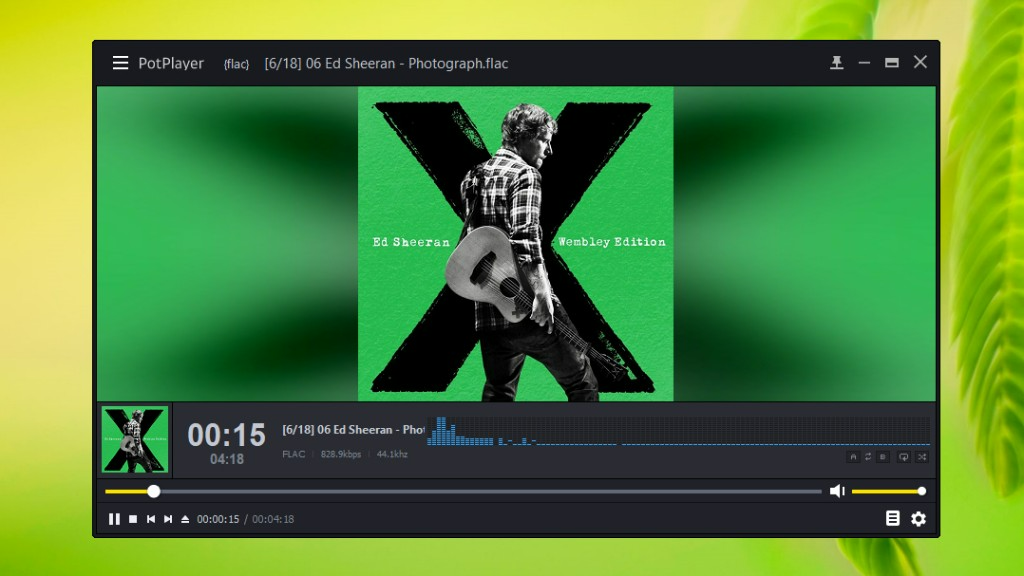
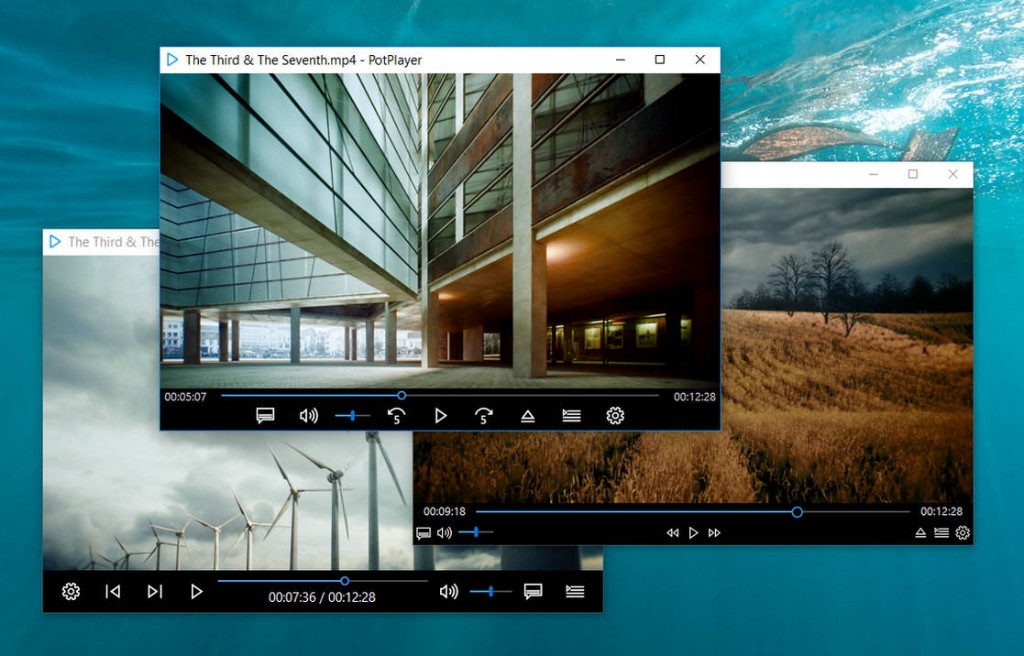
A glimpse of the PotPlayer experience on Windows: music, video, controls, and everyday playback.