
What is PotPlayer?
A capable Windows player when stock apps fall short on formats or control.
PotPlayer handles a wide range of video and audio containers without hunting for codec packs. H.265/HEVC and H.264/AVC decoding ships ready to use.
- Open URLs, FTP streams, TV tuners, Blu-ray folders, and local media
- Context menu packed with filters, shaders, and playback tweaks
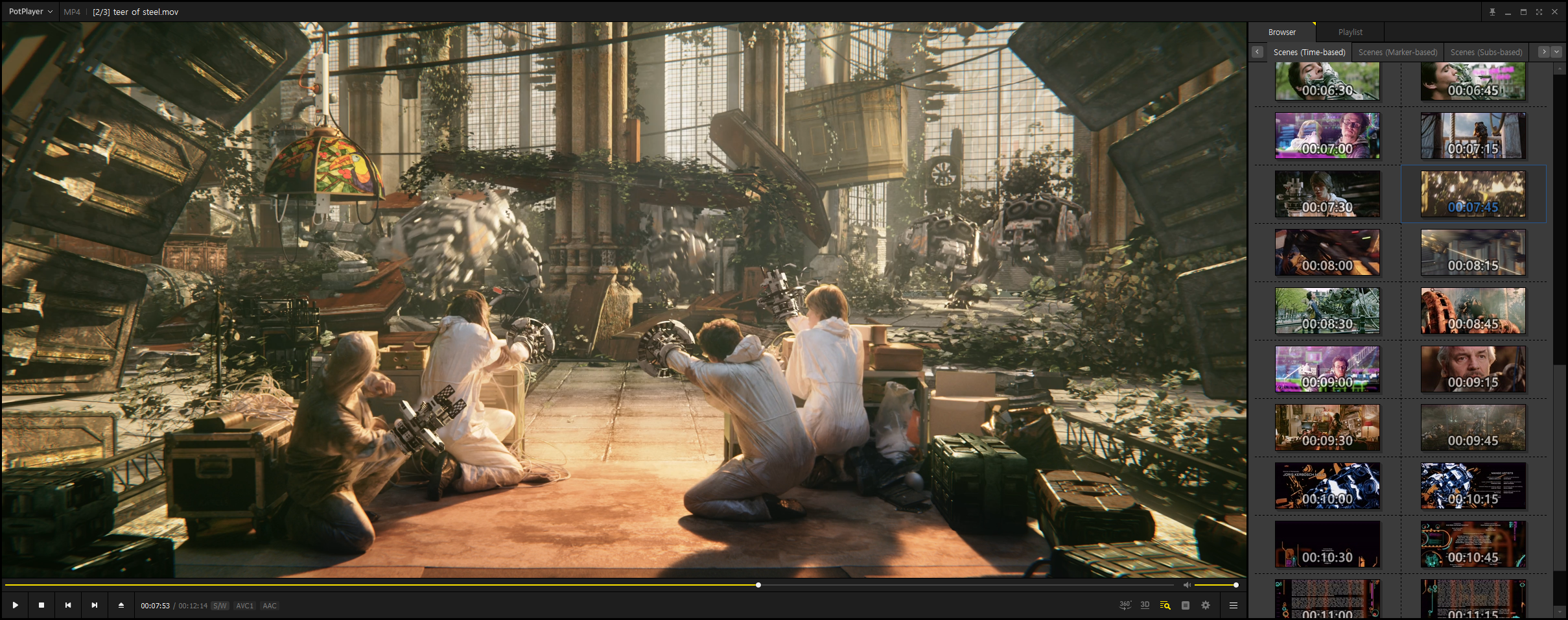
- On-screen codec, bitrate, and CPU telemetry during playback
- RTX Video HDR upscaling in recent Windows builds

Six practical reasons to pick PotPlayer
Each tile opens a detailed section on the Features page.
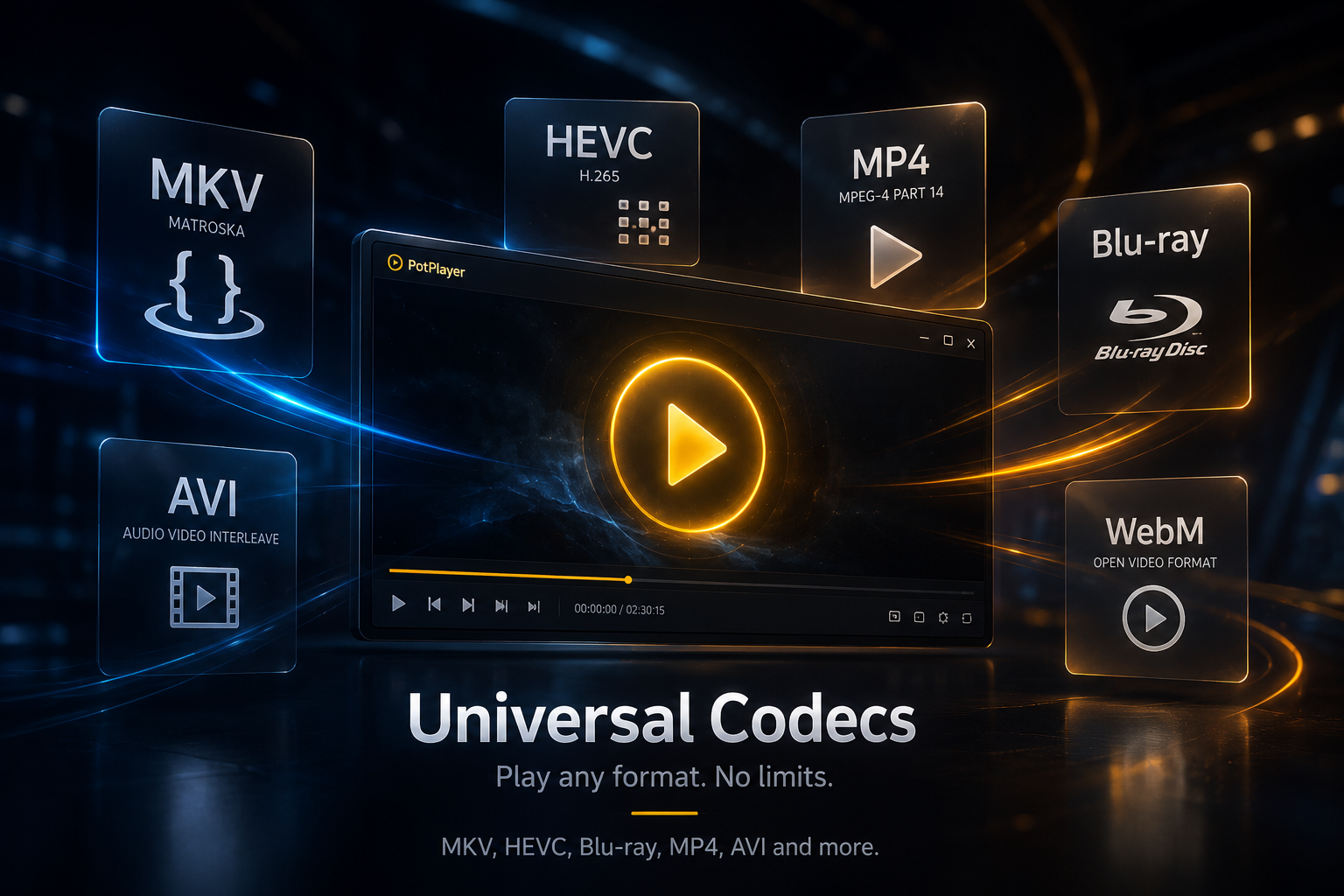
Universal Codecs
MKV, HEVC, Blu-ray, OpenCodec. No extra installs.
Learn more →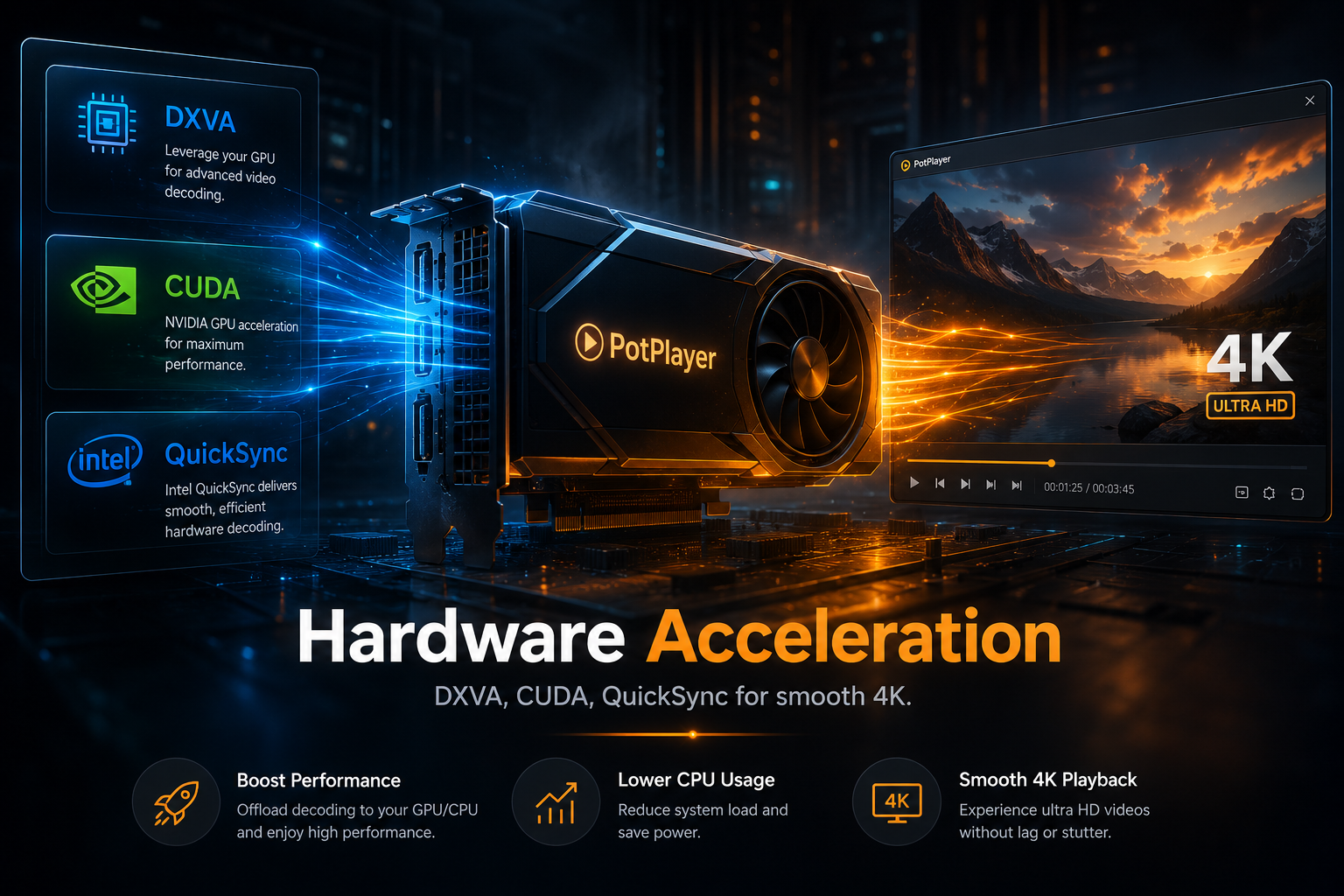
Hardware Acceleration
DXVA, CUDA, QuickSync for smooth 4K.
Learn more →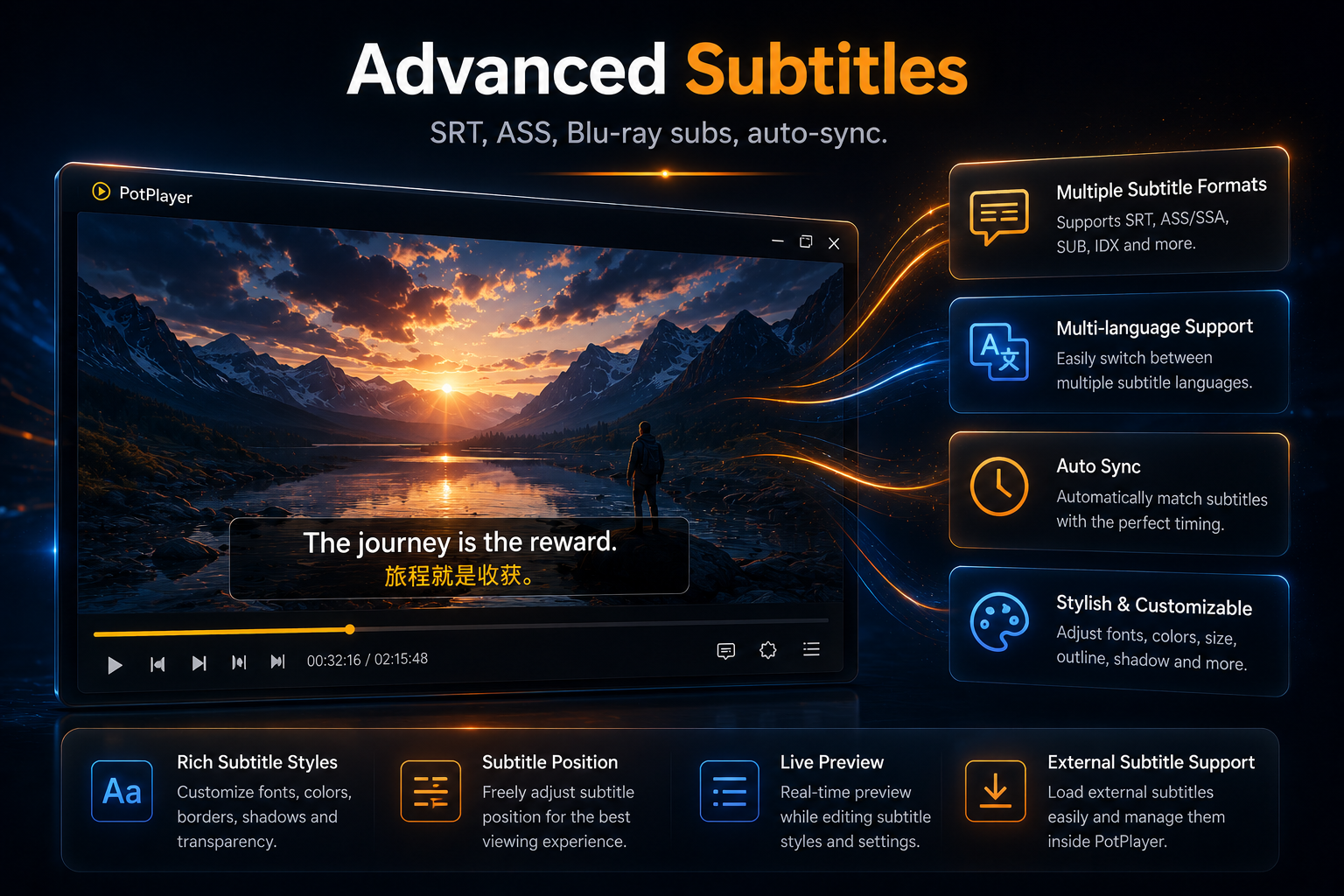
Advanced Subtitles
SRT, ASS, Blu-ray subs, auto-sync.
Learn more →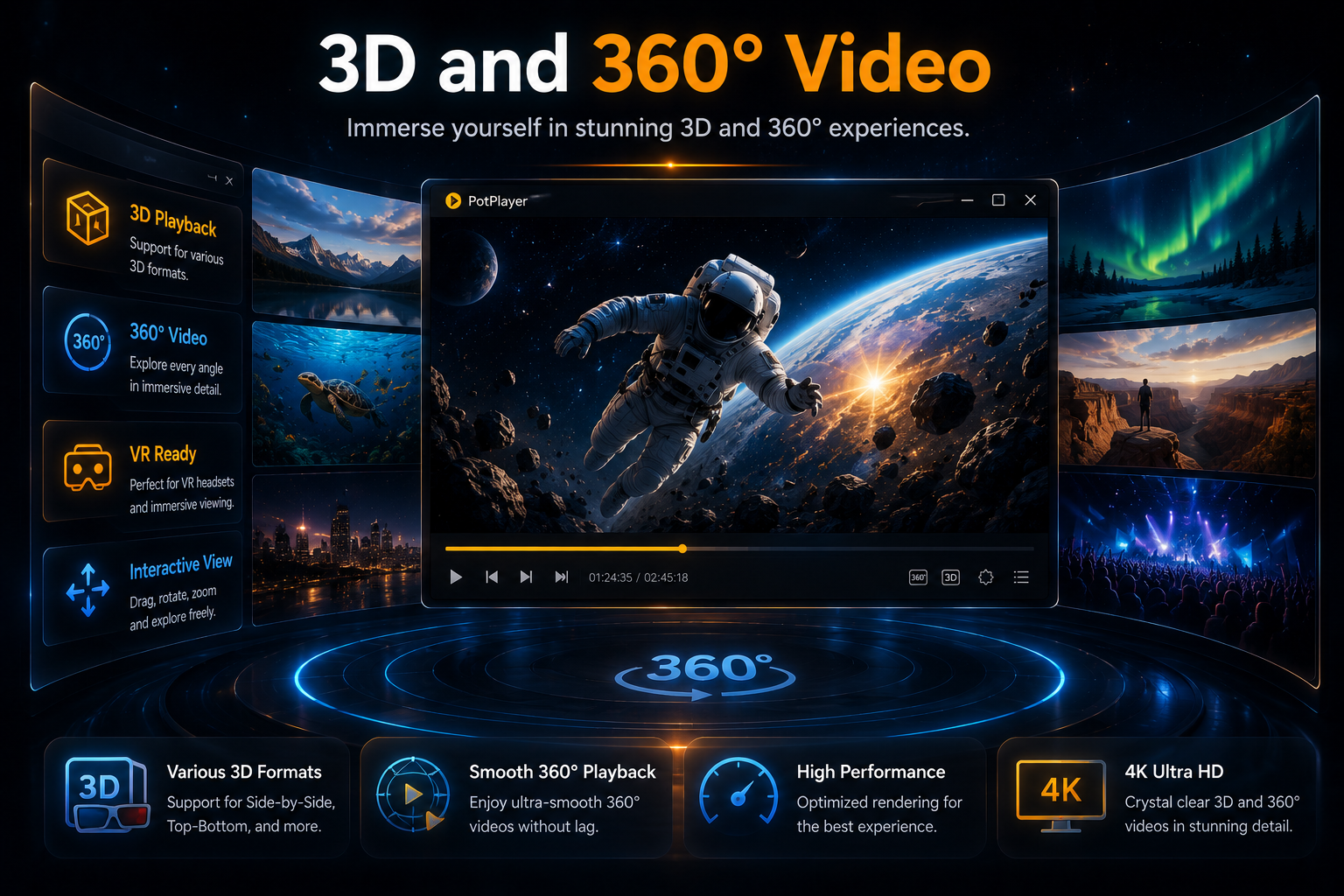
3D and 360° Video
Immersive playback on PC and 3DTV.
Learn more →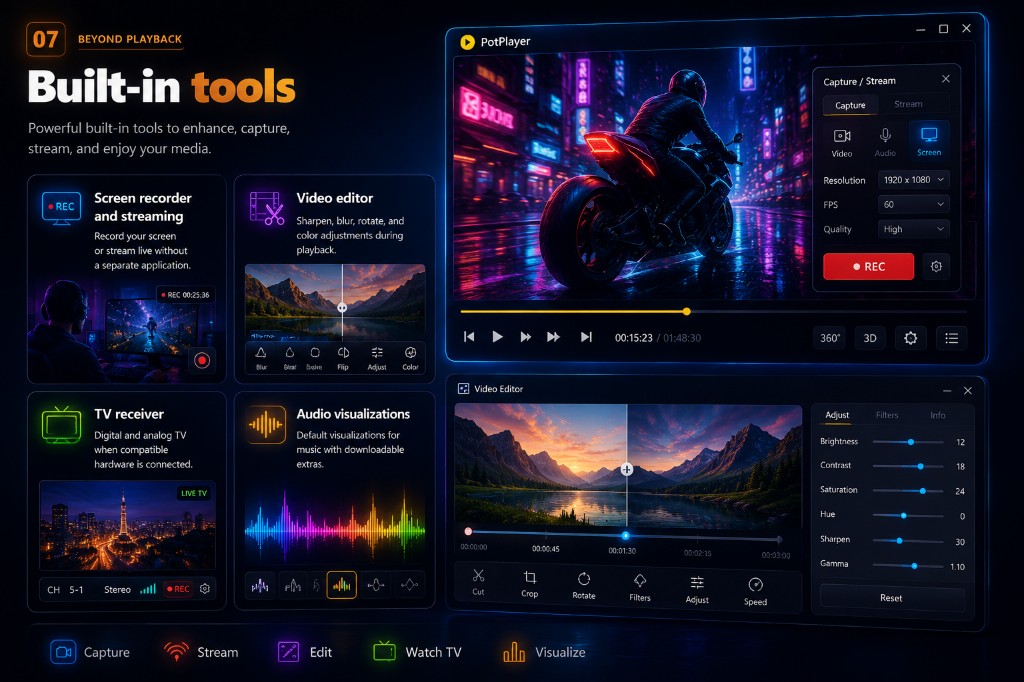
Built-in Tools
Recorder, editor, TV, and streaming.
Learn more →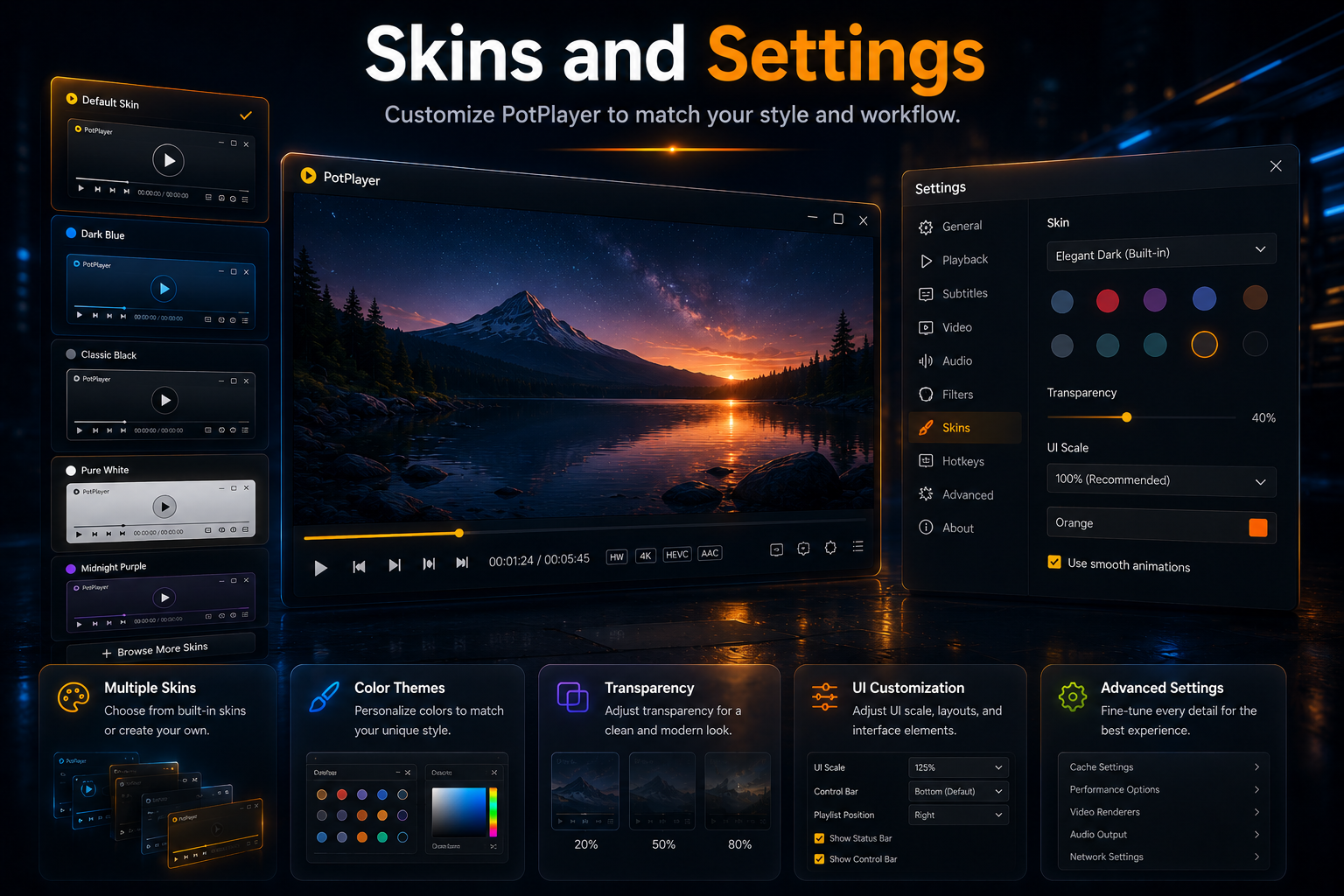
Skins and Settings
Themes plus .reg export for IT teams.
Learn more →Responsive playback with modest CPU load.
GPU decode helps keep 4K HEVC fluid on recent hardware.

One install. Many formats.
From audio libraries to Blu-ray directories, PotPlayer opens them directly.
500+
Codecs supported
32 / 64
Bit Windows builds
OpenCodec
Add more anytime
Where PotPlayer stands out against rivals
Compared with VLC, Windows Windows Player, and KMPlayer.
| Feature | PotPlayer | VLC | WMP | KMPlayer |
|---|---|---|---|---|
| Built-in screen recorder | Yes | No | No | Limited |
| NVIDIA RTX Video HDR | Yes | No | No | No |
| 3D and 360° support | Full | Limited | No | Yes |
| Seek bar thumbnails | Yes | Plugin only | No | Yes |
| Export settings (.reg) | Yes | Partial | No | Yes |
Install PotPlayer at no cost
Version 26.04.01.0 · Always verify SHA256 before install.
- Version
- 26.04.01.0
- Size
- 60.39 MB
- License
- Free
- Windows
- 7 to 11
Verified builds. Clear sources. Open guidance.
Security verified
99/100 clean score on verified builds. Check SHA256 hashes after every download.
Integrity checks →Official developer
Built by Kakao Corp. Free for personal use since 2006 on all supported Windows versions.
Trust policy →Trusted by a large community
4.3 out of 5 average from 5,600+ community reviews.
★★★★★"Much more user-friendly than VLC. Features are easy to find."
★★★★★"Easy to control, good quality, excellent features."
★★★★☆"Small but very useful player. Great Chinese support."
★★★★☆"4.3/5 rating. Over 4.8 million downloads."
★★★★★"Detailed playback info, 3D, upscaling, and editing tools."
Short replies
The three questions visitors ask most often.
Ready to upgrade your desktop playback?
Grab PotPlayer for Windows in 32-bit or 64-bit builds.
Get PotPlayer Now